Voiceover for every course you create
Create voiceover for academy courses, onboarding, and product tutorials from within the tools your team already uses, and keep every lesson in sync with each release.


What customer education teams produce with WellSaid
Start any lesson in an AI assistant or from within the tools you already run. WellSaid brings your licensed voices and pronunciations along with the audio.
An agent drafts a lesson from your docs and voices it. Your designers review it and publish to the LMS.
Welcome videos and setup walkthroughs for each plan or role, in one voice from first login on.
Hand an agent the release notes. It returns new lesson audio in the same voice before launch.
When a support article changes, the narration follows with the same voice and pronunciations.
Exam prep and practice scenarios in one voice, so learners hear every term the same way.
Turn a partner playbook into a narrated module partners can finish before their next call.
Every language version of an approved lesson, with a licensed voice and the same direction.
Voice in-product tours with feature names said the way your team says them.
Voices for every lesson
Cast a voice for each course, tone, and language, then keep it for years as your academy grows.
AI voice that speaks your audience’s language
Create localized videos with multilingual AI voices that sound natural for every audience.

Built for teams that run a customer academy or knowledge base
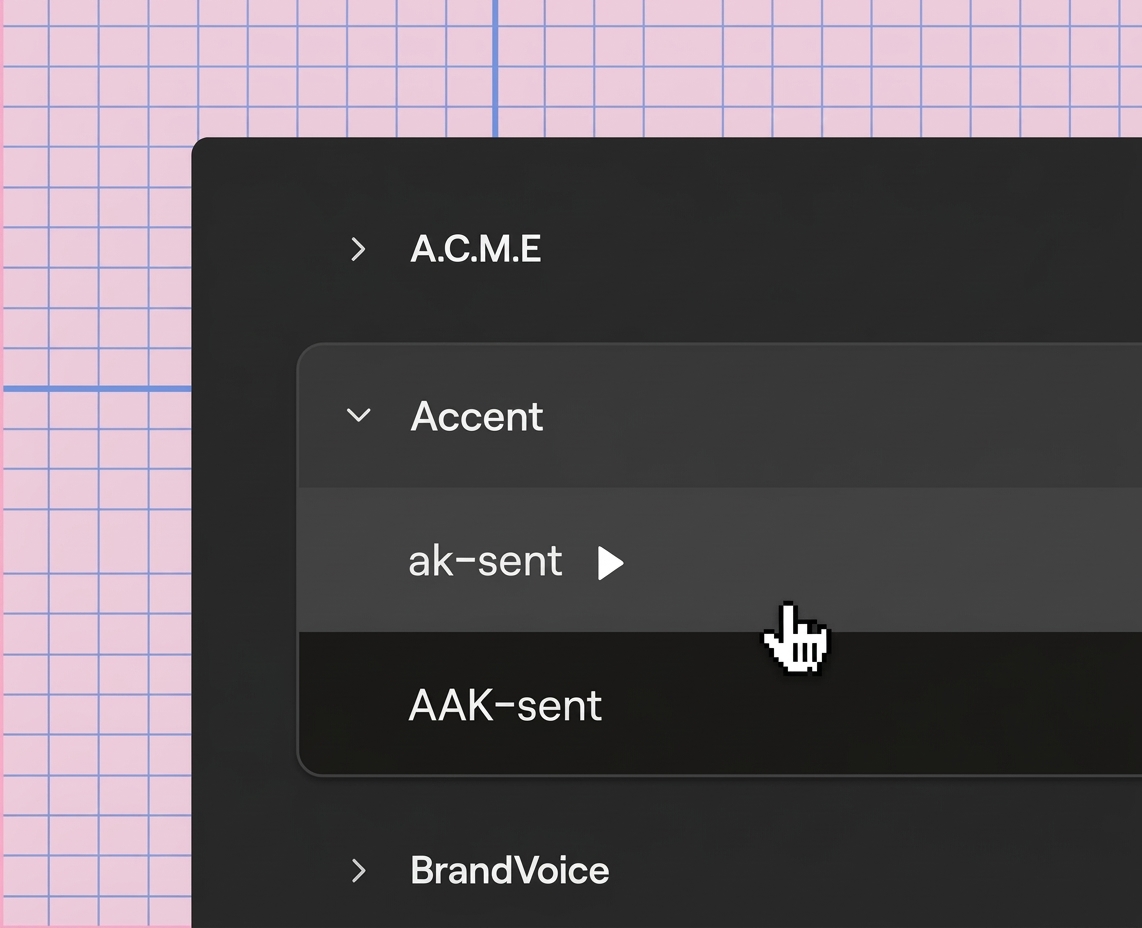
Save how your product names, features, and acronyms are said once, and every course and tutorial uses it.
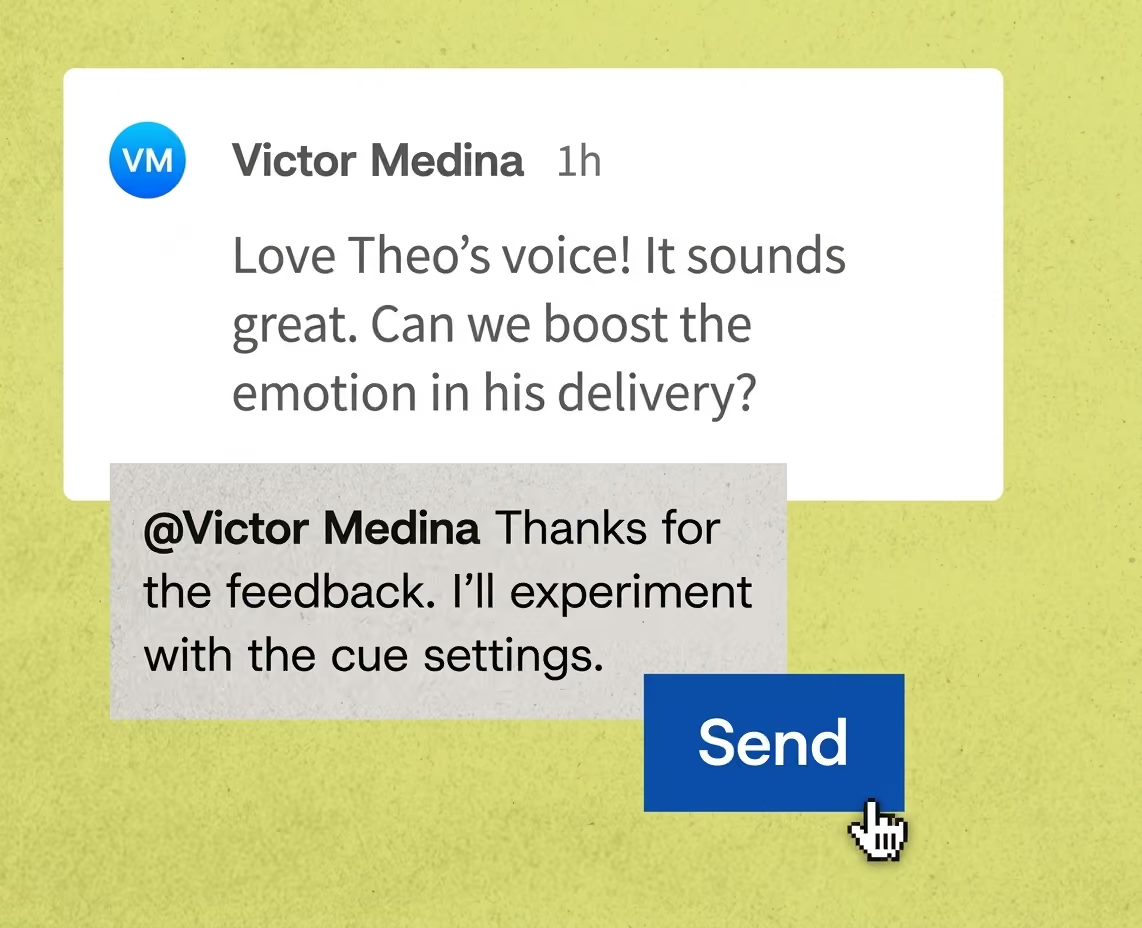
Bring instructional designers, SMEs, and product owners into one project to review scripts, comment on takes, and approve lessons.
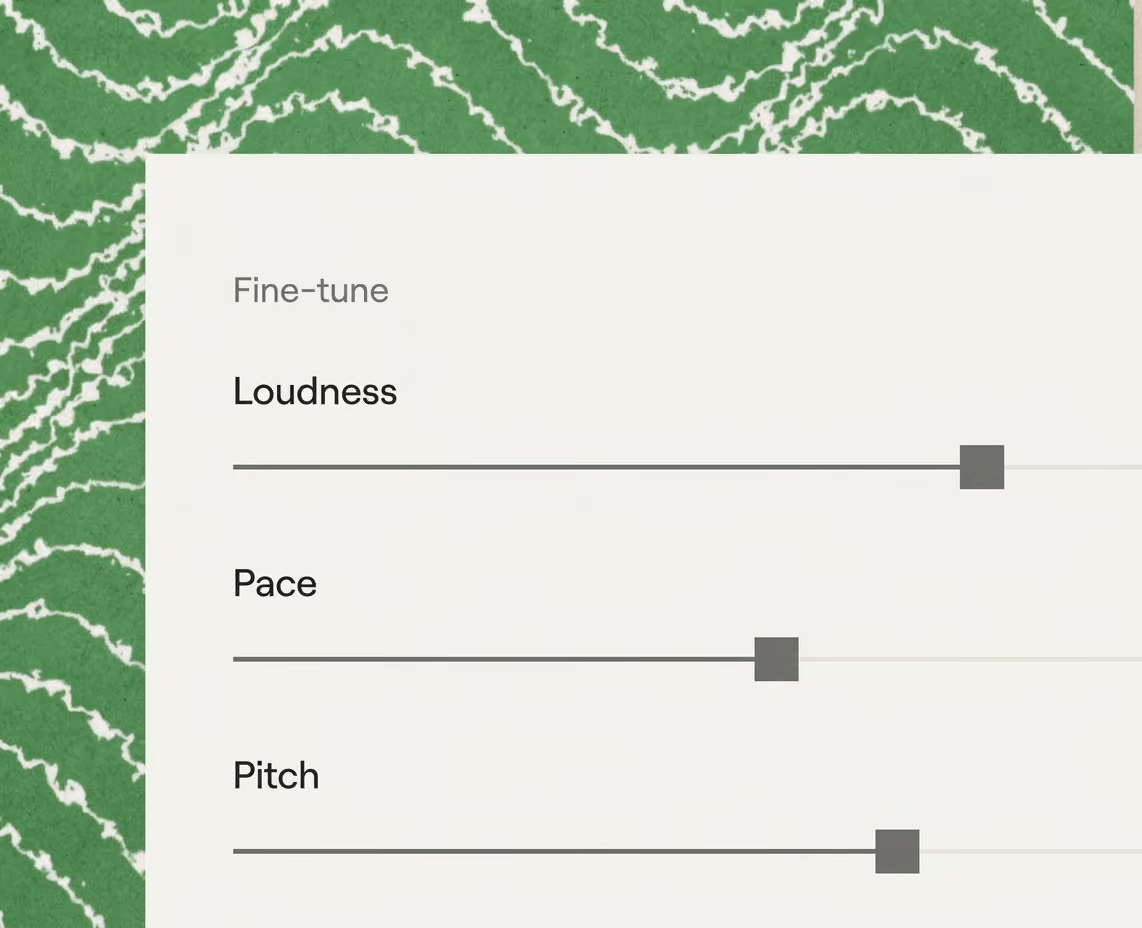
Set a warm delivery for onboarding and a steady one for technical lessons, then reuse it across every course in your academy.
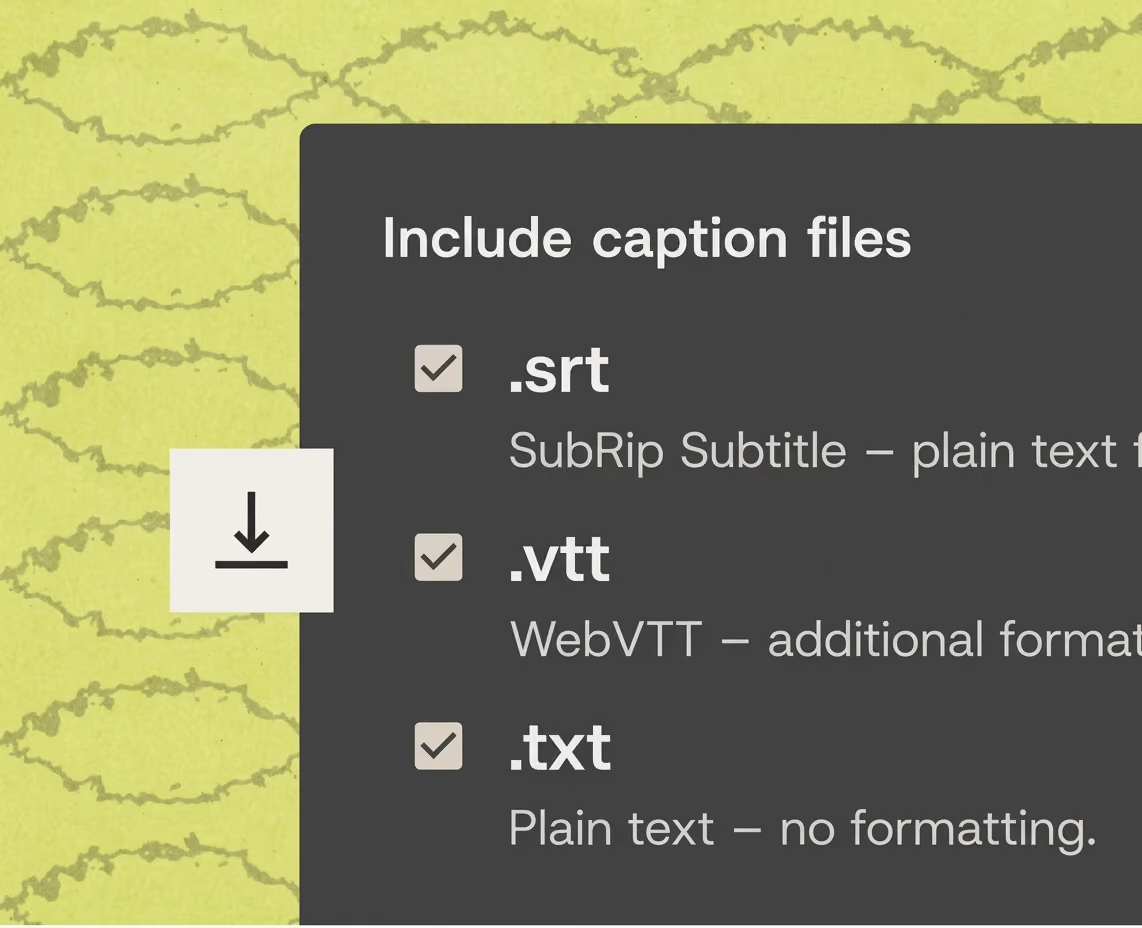
Export captions with word-level timing, so every lesson is accessible and ready for your LMS on day one.
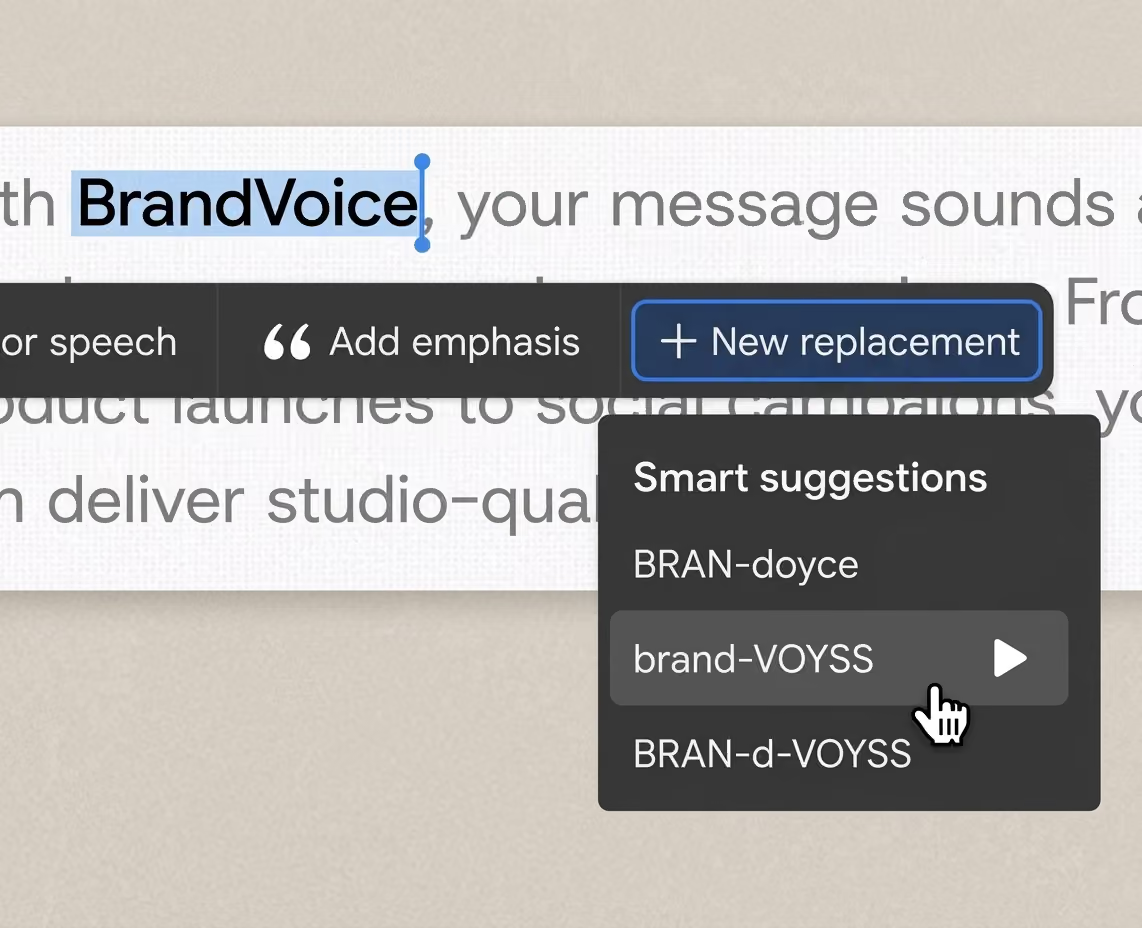
Store brand names, product terms, and pronunciations in one shared library so every voiceover stays accurate across projects.
Produce voiceover from Claude, your LMS, or tools like Adobe Premiere Pro, with the same voices and pronunciations everywhere.
The voiceover platform built for customer academies
Produce narration for every course, keep one voice across your academy, and send finished audio to your LMS.
Produce versions of a lesson for each plan, role, or region without starting the script over.
Save your voice and pronunciations once, so every course and tutorial sounds like one academy.
Change a line at any stage and get a new take in minutes, without booking a new session.
Produce narration for many lessons at once, and send each file to your LMS ready for review.
Trusted by leading brands





Frequently asked questions
Yes. Write or import the lesson script, cast a licensed voice, direct the delivery, and send finished audio with captions to your LMS.
Edit only the lines the review changes, and get new takes in the same voice, with the same direction and pronunciations. Everything already approved stays as it was, so your reviewers check the changes instead of the whole course.
No. WellSaid narrates the script your faculty approves, word for word. Your team directs the delivery and signs off on every take before a course ships.
More than 9,000 medical terms and 500 legal terms are built in, along with 500,000+ English pronunciations from Oxford Languages. Save any other term once in your pronunciation library, and it applies to every course.
Yes. Cast a voice for each program and keep it through every review cycle. Of teams who’ve used WellSaid for three or more years, two-thirds still use the voice they used most in their first six months.
Yes. Every module can be exported with SRT or VTT captions with word-level timing, ready for your LMS and your accessibility review.
Yes. Every WellSaid voice is licensed for commercial use and comes from a professional voice actor who gave consent and is paid when their voice is used. The license record stays with each file.

How should your academy sound?
We’ll help you cast a voice for every course and keep it consistent as your library grows.