Voiceover production within your workflow
WellSaid Producer brings end-to-end voiceover workflow automation into the tools and systems your content team already uses.
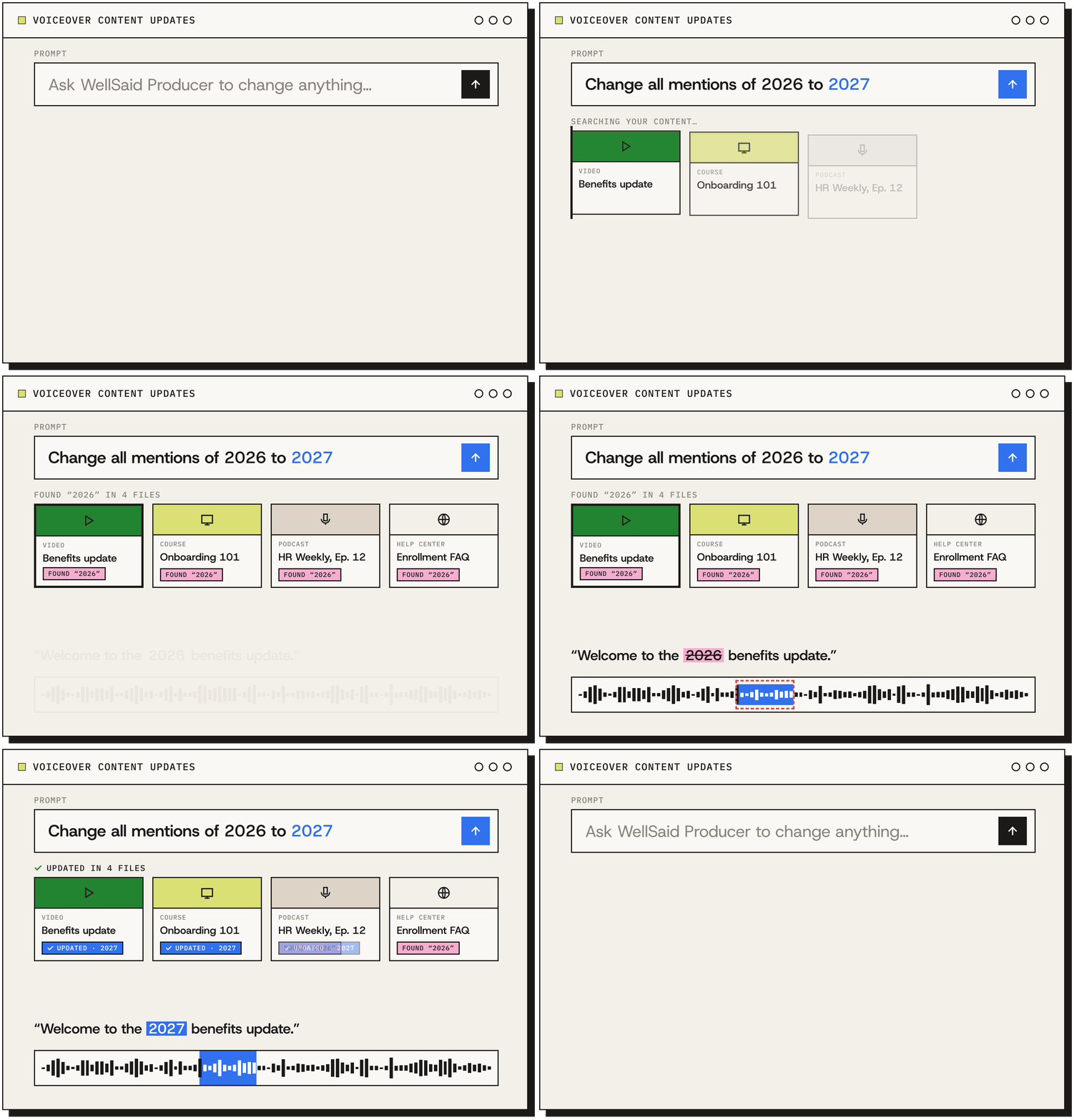


One voiceover production process across any tech stack
Most teams write a script in one tool, build voiceover in another, and publish the final audio somewhere else. WellSaid Producer handles voices, direction and production, and final approvals in the same workflow, so the finished audio sounds the way your team wants it, wherever it ends up.
The full production toolset
Cast the perfect voice, direct the delivery, fix pronunciations, generate versions, and review takes from your AI assistant or any connected tool.
Built around your systems
Finished audio moves into your CMS, DAM, or LMS effortlessly - no more downloading, renaming, and re-uploading.
Simplified content maintenance
Pronunciation fixes get applied automatically. Updates propagate with a single command. Licensed voices stay consistent across years of updates.
A complete voiceover production workflow
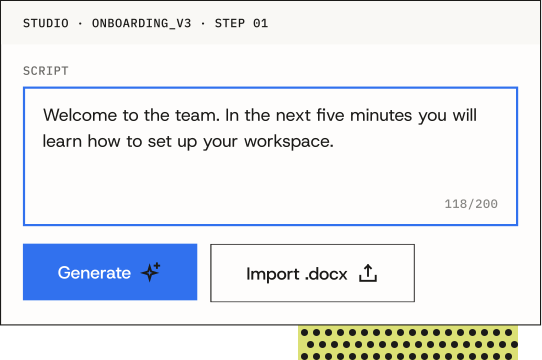
Build the script
Create a script with an AI assistant connected through MCP (Model Context Protocol), or send it from your CMS, LMS or project management tool.
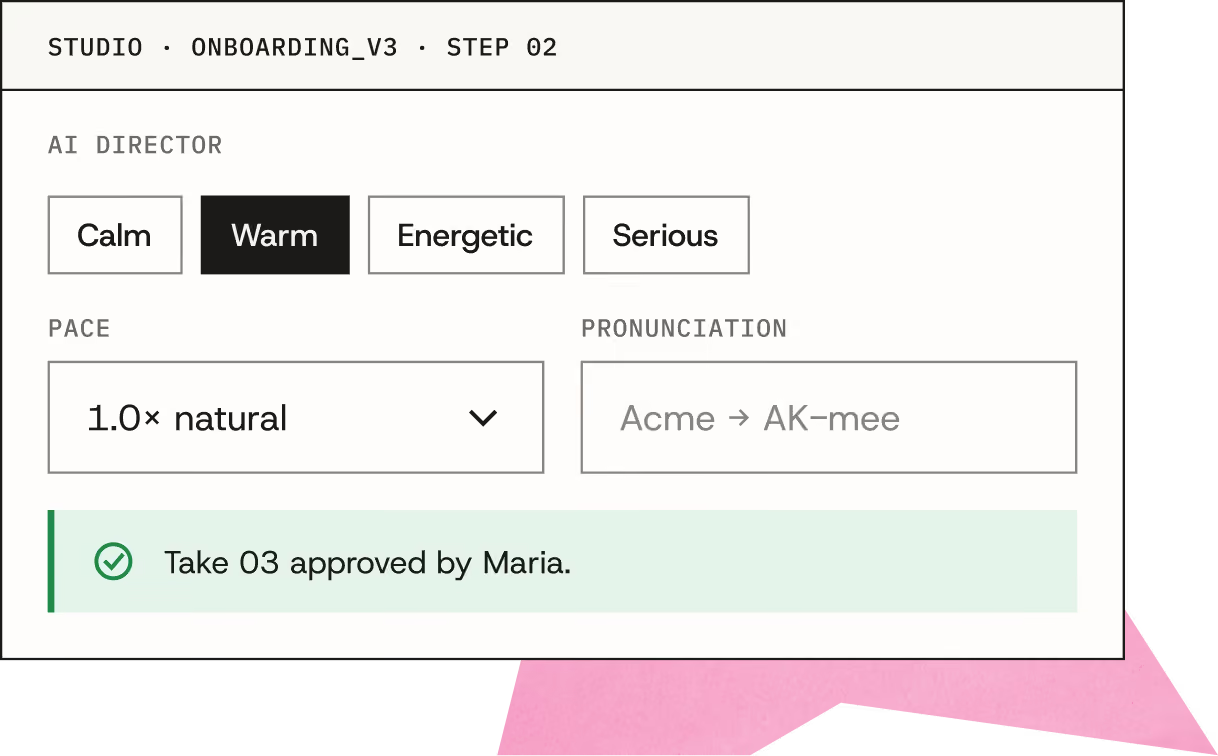
Cast and direct
Audition from hundreds of voices, then direct pacing and emphasis in plain language. Get pronunciation exactly right, then push it to your approval system for sign-off.
Manage changes
Script changes upstream? Approvers change their mind about a voice? WellSaid Producer is flexible enough to fix timings on the fly, or swap voices even in locked video.
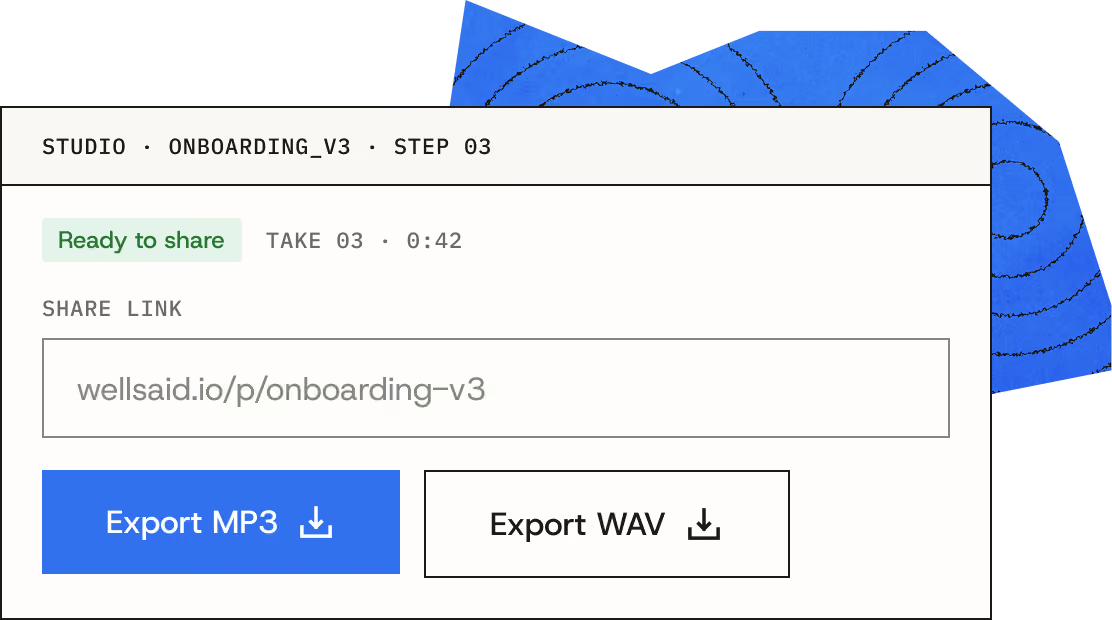
Deliver to your system
Finished audio and captions go to your LMS, CMS, or DAM, with proof of rights and license embedded.
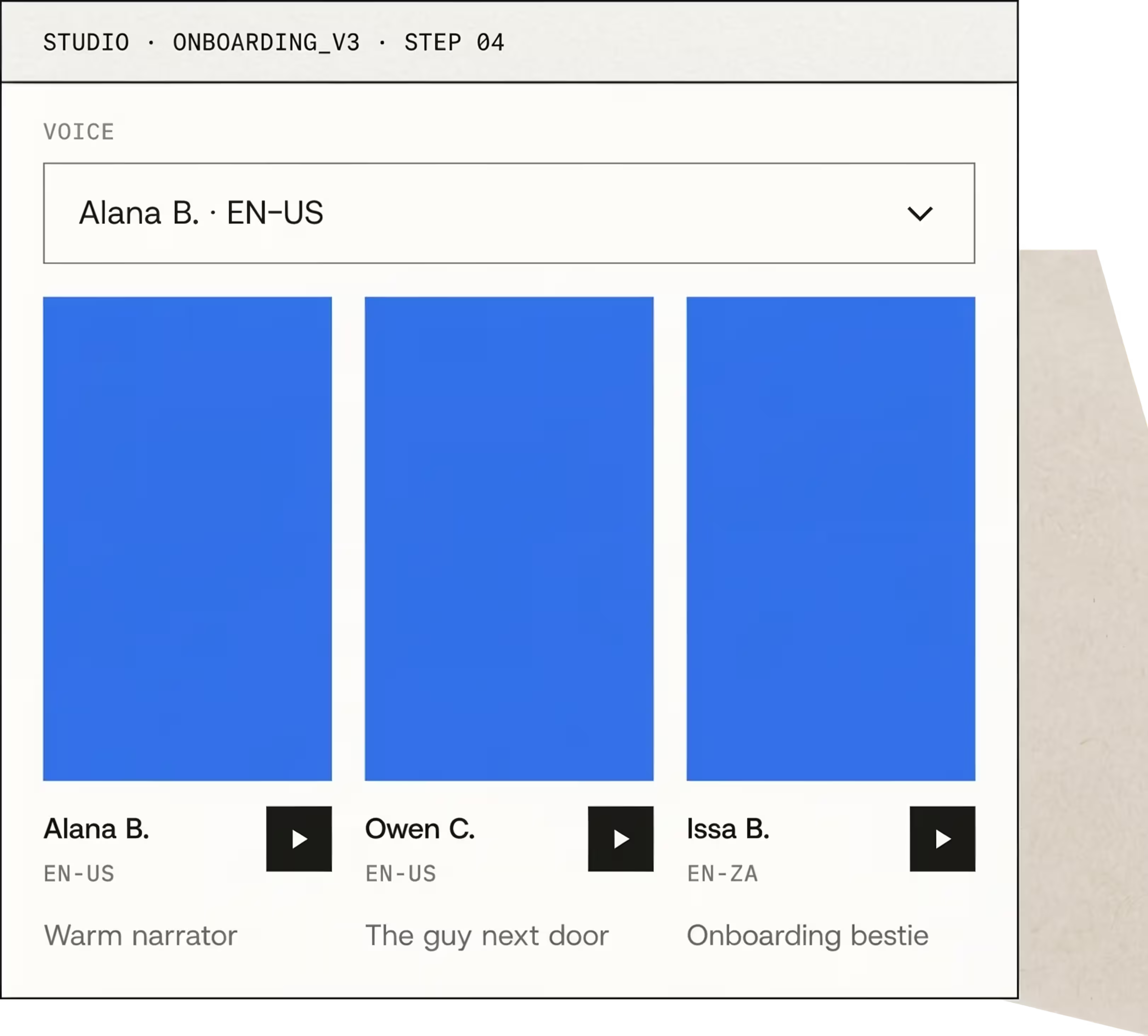
Produce professional voiceover using plain language
Tell WellSaid Producer what you need: the script, the voice, how a word should sound, and where the file goes. It casts from your licensed voices, applies your direction and pronunciations, and delivers finished audio for review.
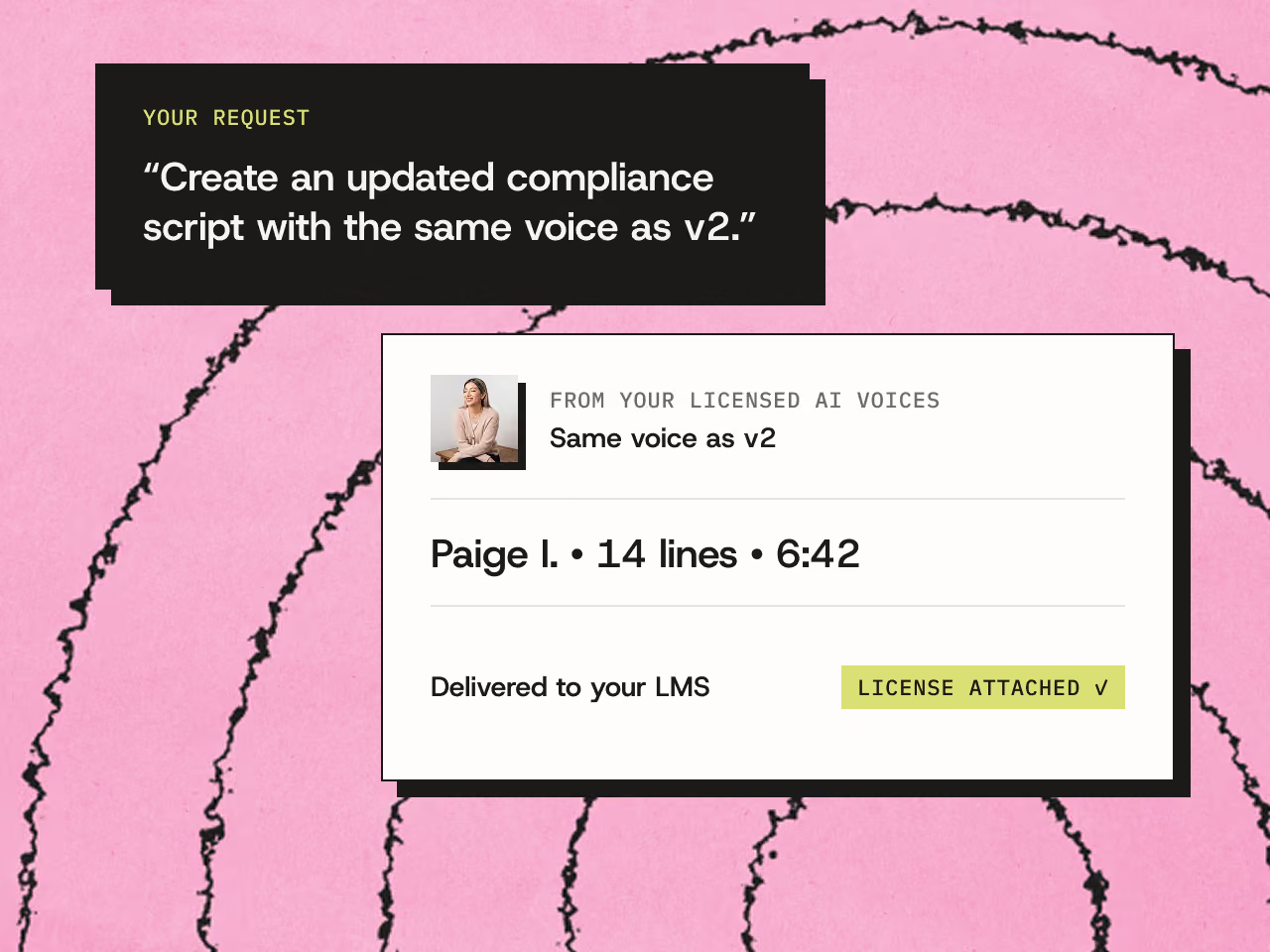
Change it once, update every file
When a script, product name, or policy changes, Producer updates every affected voiceover in one pass, with the same voice and direction as the approved version. Your team reviews the new versions instead of rebuilding files one at a time.

How enterprise teams use WellSaid Producer
Once the voices, pronunciations, and approvals are set up, each new project moves faster – whether it’s a new course, a launch video, or an update to something already published.
Agentic content production
Create voiceover from Claude, ChatGPT, Copilot, or your own AI agents without opening another app.
Customer education
Keep help videos, onboarding, and academy courses current every time your product changes.
Product marketing
Create voiceover from Claude, ChatGPT, Copilot, or your own AI agents without opening another app.
Courses &
continuing ed
Narrate full courses, then refresh a single lesson without booking another recording session.
Advertising
Test more ad variations with fully licensed voiceover for every cut, channel, and market.
Multilingual & localization
Deliver the same course or campaign in 55+ languages and accents, with voices matched to each market.
Corporate training
Turn compliance, safety, and onboarding scripts into narration employees actually finish.
Podcasts & radio
Produce intros, ad reads, and recurring segments with a consistent voice every episode.








Global voiceover, same production process
Translate a script inside WellSaid Studio, then direct every language version with the same controls you used on the original. Voices are available in 55+ languages and accents.


Half of the Fortune 100 uses WellSaid for voiceover
Since 2019, teams have produced more than 100M minutes of professional voiceover with WellSaid.





One voiceover production process across any tech stack
Frequently asked questions
WellSaid Producer is the part of the WellSaid voiceover production platform that works with, and inside of, other tools. It brings Studio’s casting, direction, pronunciation, and review into AI assistants like Claude, ChatGPT, and enterprise tools via MCP (Model Context Protocol). It also connects across tools across the voiceover production process by moving and placing audio, incorporating feedback, and automating other workflows. When Producer creates audio in other tools, it also creates versions and tracks edits and Studio, so your work stays in sync anywhere you access the WellSaid platform. L&D, customer education, and product marketing teams use Producer to create voiceover where their content already lives.
Text-to-speech usually works inside a single tool, limited by that tool's voices and functionality. Producer gives your team WellSaid's full suite of voices, custom pronunciation libraries, and direction tools across every applicaiton it connects to, along with versions, review, and a license record stamped into every file.
WellSaid Producer connects to AI assistants like Claude, ChatGPT, and enterprise tools via MCP (Model Context Protocol). Teams can also call Producer functionality from MCP-enabled tools include many CMS, LMS, DAM, and project management tools.
WellSaid Producer is designed to be user-friendly and does not require engineering resources. Anyone on your team can connect an AI assistant to WellSaid and create voiceover by describing what they need. Producer is also designed so that users can build their own custom workflows. If you need support for larger projects, our team can work with you to deliver custom solutions specific to your workflow.
Yes, you can use WellSaid voices commercially. Every voice WellSaid licenses for commercial use comes from a professional voice actor who gave consent and is paid when their voice is used. Specific terms per voice are visibile in Studio and via Producer. The same licensing applies whether your team works in Studio or through Producer.
Producer and Studio share the same voices, pronunciation library, and projects. Studio is WellSaid's web-based application where teams work hands-on to create, edit, export and update voiceover. Studio includes a full suite of vioceover editing tools, as well as tools such as emotional cues and pronunciation libraries. WellSaid Producer brings Studio’s casting, direction, pronunciation, and review into AI assistants like Claude, ChatGPT, and enterprise tools via MCP (Model Context Protocol). Any AI tool that uses MCP can leverage Producer. When Producer creates audio in other tools, it also creates versions and tracks edits and Studio, so your work stays in sync anywhere you access the WellSaid platform.