Key takeaways
- WellSaid’s voiceover extension for Adobe Premiere Pro integrates AI voice generation directly into the video editing workflow.
- Creators can generate natural-sounding voiceovers inside Premiere Pro without exporting scripts to separate tools.
- The extension supports multiple AI voice options, letting users choose styles that fit their project’s tone.
- Using the extension streamlines production by reducing manual recording, editing, and file management.
- This integration enhances efficiency for video projects like tutorials, ads, and social content.
Audio by Cameron S. using WellSaid
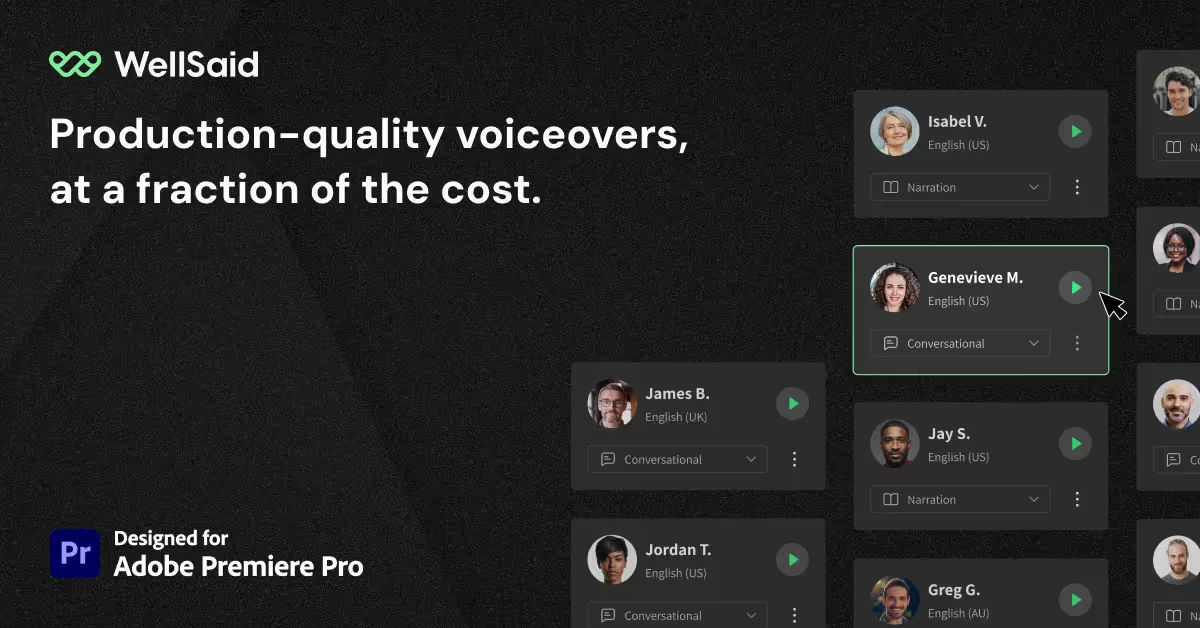
We’re excited to announce that the WellSaid Voiceover extension for Adobe Premiere Pro users is now available! With this extension, Adobe users with WellSaid Business or Enterprise accounts can directly access WellSaid Studio projects within Premiere Pro, streamlining the editing process and enhancing workflow. Access audio clips without having to download or re-upload files. Just create, drag, and drop!
“At WellSaid, we’re committed to helping businesses maximize creativity and productivity by giving them the tools they need for success,” said Brian Cook, CEO of WellSaid. “In today’s competitive landscape, efficiency is key for organizations who need to stick to strict schedules without sacrificing quality. With this new integration, we’re empowering our customers to focus more on their work and less on navigating complexities.”
How the WellSaid Voiceover Extension Works
Adobe Premiere Pro users can access the new integration with a WellSaid Business or Enterprise account by searching for the “WellSaid Voiceover extension” in Premiere Pro and logging in with their WellSaid Studio credentials. Users will automatically see their WellSaid Studio-created voiceover files and projects populate in Premiere Pro. New WellSaid users can begin by generating audio files in the WellSaid Studio web application after creating an account.
To learn more about our integrations, click here.
Ready to find your voice?
FAQs
It’s a tool that lets you create AI-generated voiceovers directly within Premiere Pro while editing video.
By enabling voiceover creation inside the editing environment, it eliminates the need to switch between apps and speeds up workflows.
Yes, the extension offers a variety of natural-sounding AI voice options to match different styles.
Tutorials, promotional videos, social media content, and any video that needs professional narration can benefit from it.


.jpg)
.jpg)